
Airport parking, under control
From staff permits to long-stay car parks, OPARKO runs every zone of your airport on one platform: ANPR plate checks, permits, payments and occupancy per zone.

The problems airport car parks actually have
Terminals run on tight margins and tighter timing. OPARKO is built around the pressure points generic parking software ignores.
Peak-arrival congestion
Occupancy per zone, measured by ANPR cameras, shows on your guidance displays, so drivers head straight to a zone with free space instead of circling the terminal.
Revenue leakage
Every stay the cameras record is matched against payments and permits by plate, so unpaid stays are flagged for follow-up and finance gets a clean trail.
Permit sprawl across thousands of staff
Each airline, handler and contractor gets its own login to manage its own permits, with end dates and one-click revocation.
Disputes and enforcement fairness
Wardens document every fee with time-stamped photos, and drivers can see the case and appeal online, which keeps enforcement fair and traceable.
From the forecourt to the far car park
An airport is really a dozen car parks in one. OPARKO runs each area on its own rules, prices and permits, all from a single view.
Long-stay car parks
Weekly and monthly rates, with ANPR cameras checking each plate against a valid payment or permit. Travellers can also pay for a recorded stay online afterwards.
Short-stay & kiss-and-fly
Free minutes for drop-off, then payment by QR code, SMS or app. Cars that stay too long are flagged to a warden, with no ticket machines to run.
Reserved & subscription bays
Reserved areas for subscription holders, with ANPR cameras checking every plate against the permit register.
Staff & airside permits
Zone-restricted permits for crew, ground handlers and contractors, each with an end date and instant revocation when a contract ends.
Rental & ground transport
Dedicated zones for rental fleets, buses and coaches, each with its own permits and its own reporting.
From site survey to go-live
We plan the rollout with you zone by zone, and you keep running the terminal throughout.
Site survey
We map every zone, entrance, camera and barrier, then agree the rules and prices for each area.
Cameras and displays
We connect ANPR cameras and guidance displays to OPARKO. Barriers stay on their own controller, which can read valid permits from the OPARKO API.
Configuration
Zones, permits, free minutes and tariffs are set up and tested before anything goes live.
Go live
We switch zones over in stages, with staff trained before go-live and our support team close at hand during the first days.
Ongoing support
Our in-house team keeps the platform up to date, and you get reporting and help whenever the operation changes.
One platform for the whole airport
From airside staff permits to long-stay car parks, OPARKO runs every zone on the same rules, permits and reporting.
ANPR at entry and exit
Cameras read every plate at entry and exit and check it against permits and payments, so traffic flows without tickets or stops.
Pay after parking
Travellers pay up front by QR code, SMS or app, or look up the stay the cameras recorded and pay for it online by plate afterwards.
Warden alerts
Stays with no valid payment or permit are flagged to your wardens, who follow up on site with photo evidence in the app.
Staff & airside permits
Permits for airline staff, ground crew and contractors, limited to the zones they need, with reminders before they expire.
Occupancy per zone
Count of free spaces in each zone from ANPR cameras or sensors, shown on guidance displays.
Revenue reporting
Income split by source, a full audit trail of every transaction and CSV exports for finance.
Run it under your own brand
Run car parks for one or more airports? Put your company’s name on the platform: staff permits, zones, payments and reports on your own domain, with OPARKO behind the scenes.
See how white label works- Your domain, logo and colours on the platform and the driver pages
- Notices, reminders and complaints in your name, sent from your own email domain
- Each client as its own organisation, with its own sites, users and reports
Cameras, displays and honest hardware advice
OPARKO connects ANPR cameras and guidance displays today. The rest of your equipment keeps working as it does, and we say honestly what is missing.
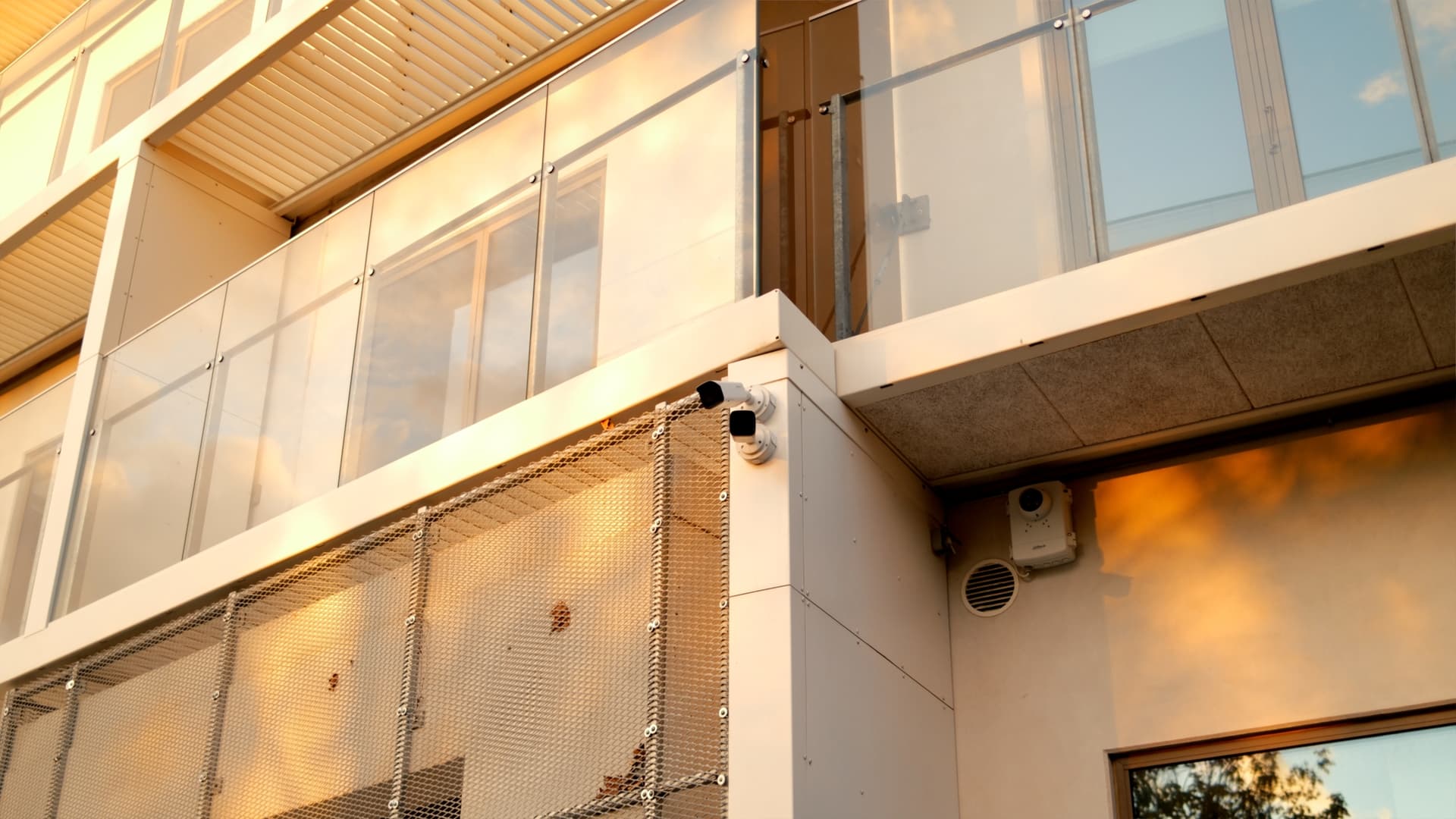
- ANPR cameras. Plate recognition at every entry and exit ties each stay to a vehicle, so permits and payments are checked by plate with no ticket.
- Barriers stay yours. Where a car park has barriers, they stay on your own barrier control. That system can read valid permits from the OPARKO API.
- Payments. Card and mobile wallet payments by QR code, SMS or app, with receipts sent automatically.
- Guidance displays. Free spaces per zone on guidance displays across the forecourt and car parks.
- Finance & reporting. Finance reports split by income source, with CSV exports for your finance team.
- Partner API. A documented partner API lets your own systems create permits, start, stop and check parking, and create fees.
Everything you need in one platform


Airport parking questions, answered
What airport teams ask before moving their car parks, kerbside and staff permits onto OPARKO.
Do we have to replace our existing barriers and ANPR cameras?
Not necessarily. OPARKO connects ANPR cameras and guidance displays today. Barriers, gates and pay stations are not connected to the platform: they keep running on their own controller, which can read valid permits from the OPARKO API. We review your equipment with you and say honestly what can stay and what is missing.
Can travellers pay after they have parked?
Yes. Where ANPR cameras record the stay, a driver can look it up by plate and pay online afterwards. Drivers can also pay up front by QR code, SMS or app. Stays that remain unpaid are flagged to a warden.
How does OPARKO handle permits for thousands of staff and contractors?
Each airline, ground handler and contractor can get its own login and manage its own permits. Every permit is limited to the zones it needs, has an end date and can be revoked in one click the moment a contract ends.
Can it run short-stay, long-stay, reserved and staff zones on different rules and pricing?
Yes. Every zone runs its own tariffs, free minutes and permits, all managed from one dashboard rather than a separate system per car park.
How is revenue reconciled and audited?
Stays the cameras record are matched against payments and permits by plate, and finance reports split income by source. You get a full audit trail and CSV exports, so every figure is traceable.
Is plate and payment data handled under GDPR?
Yes. OPARKO is built to comply with GDPR, hosted in the EU and covered by a data processing agreement with strict retention limits. Our GDPR data-protection controls have independent ISAE 3000 assurance, issued by Grant Thornton.
How long does it take to go live?
It depends on the number of zones and the hardware on site, and we agree a timeline with you after the site survey. We cut over zone by zone, with staff trained before go-live, so the terminal keeps running throughout.

Ready to modernise your airport parking?
Tell us about your zones, permits and payments, and we will show you how OPARKO fits your airport.